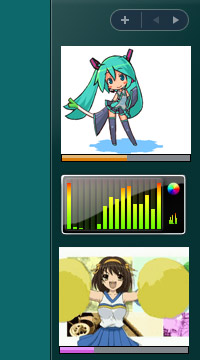
Windows Gadget is an interesting feature first introduced in Windows Vista and 7. They may be used to display information such as the system time, CPU/RAM usage and
Internet-powered features such as RSS feeds, and to control external applications such as Windows Media Player. They can be freely placed and moved anywhere on the desktop.
We have expanded the concept of Windows Gadget to support Windows 10 and 8 with ADVANCED features in our
System Animator gadget. Don't miss it!
Other Anime-style gadgets for the legacy Windows Gadget platform are still available for download if you are using Windows 7 or Vista.
NOTE: This gadget only works on Windows 7/Vista. You are recommended to use System Animator instead.
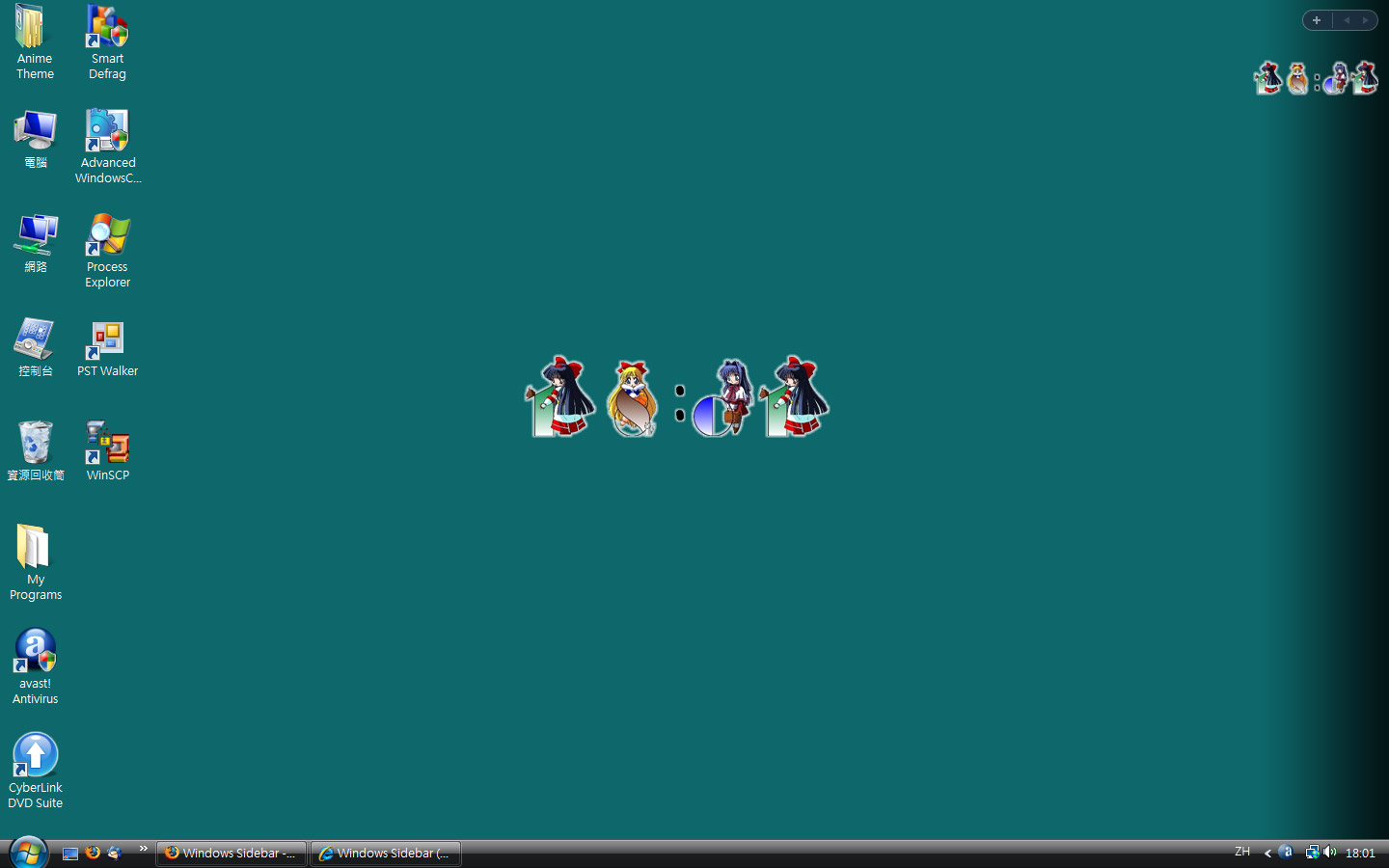
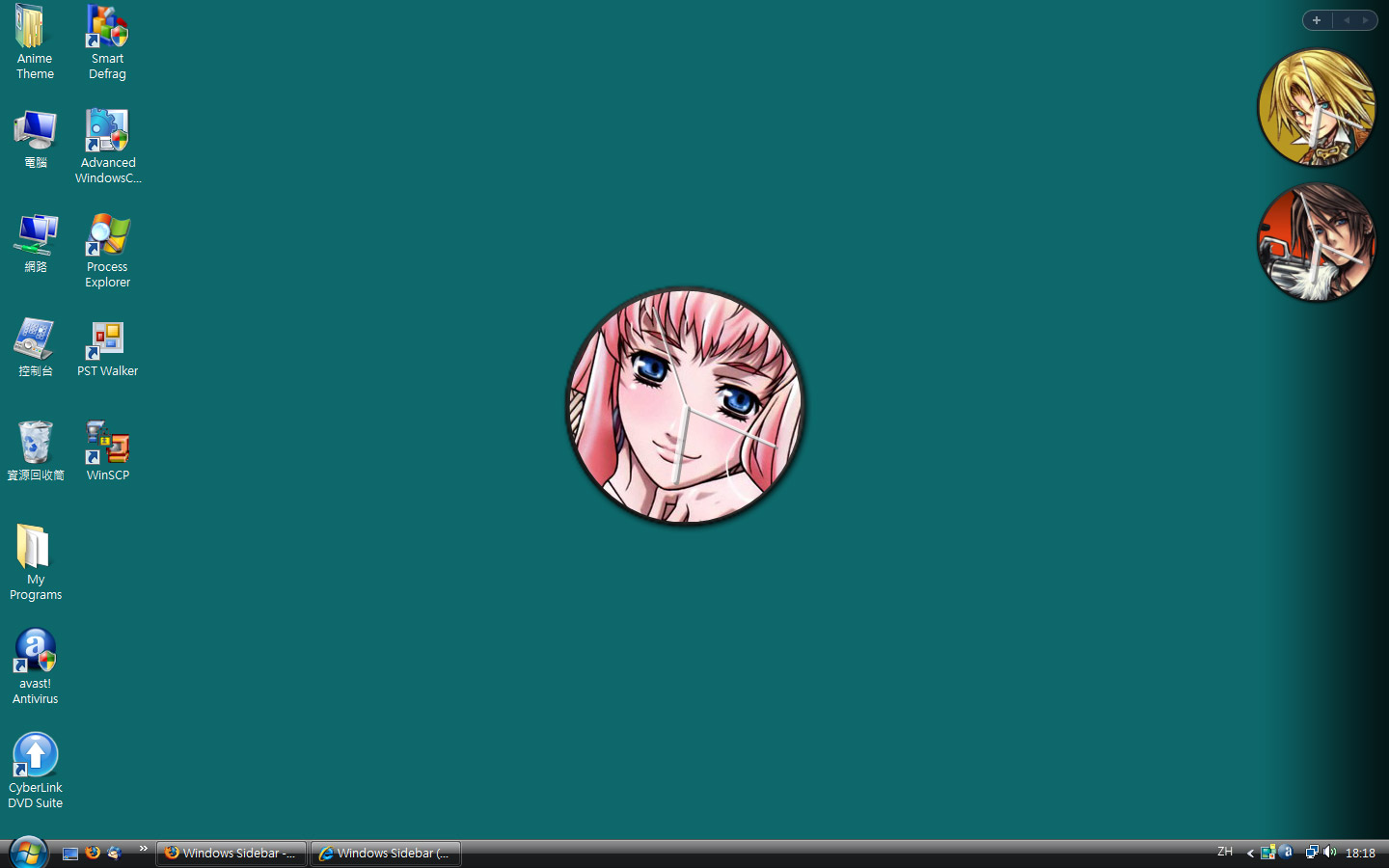
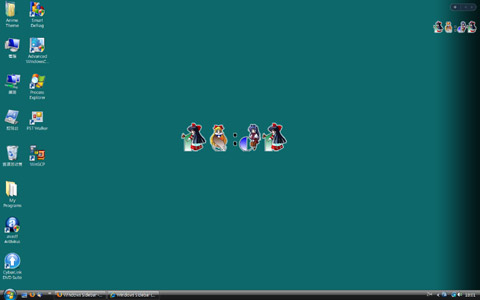
This is an analog clock with CUSTOMIZABLE clock background and various settings! We have included several Anime-style backgrounds, but you can use your own
images as background as well! You can choose a folder with images of any kind, and a random (or sequential) image will be picked and cropped automatically to fit
the clock background, and the background image can be set to change at regular interval.
Simply click on the unzipped ".gadget" file. Yeah it's that simple!
Gadgets on Windows 7
Windows gadgets work directly on Windows 7, just like Vista. However, the concept of "Sidebar" is gone so basically you just
put the gadgets on your deskop and arrange them in the ways you like.
Windows 8 does not support gadgets anymore, but you can still run System Animator in HTA mode, WITHOUT the gadget platform.
Download System Animator, and unzip the file as usual.
Rename the unzipped ".gadget" file to ".zip", and unzip this renamed gadget file somewhere on your computer.
Go to the unzipped folder, and click "SystemAnimator_ie.hta" to launch your first System Animator window (HTA mode)!
NOTE:
Click here for more info regarding running System Animator in HTA mode.
Similar procedures can be used to run Spectrum Analyser (HTA mode) in Windows 8.
Similar procedures can be applied to Windows Vista and 7 to run System Animator and Spectrum Analyser, without installing the gadgets to the gadget platform.
Internet Explorer 9 needs to be installed.
NOTE: This gadget only works on Windows 7/Vista. You are recommended to use System Animator instead.
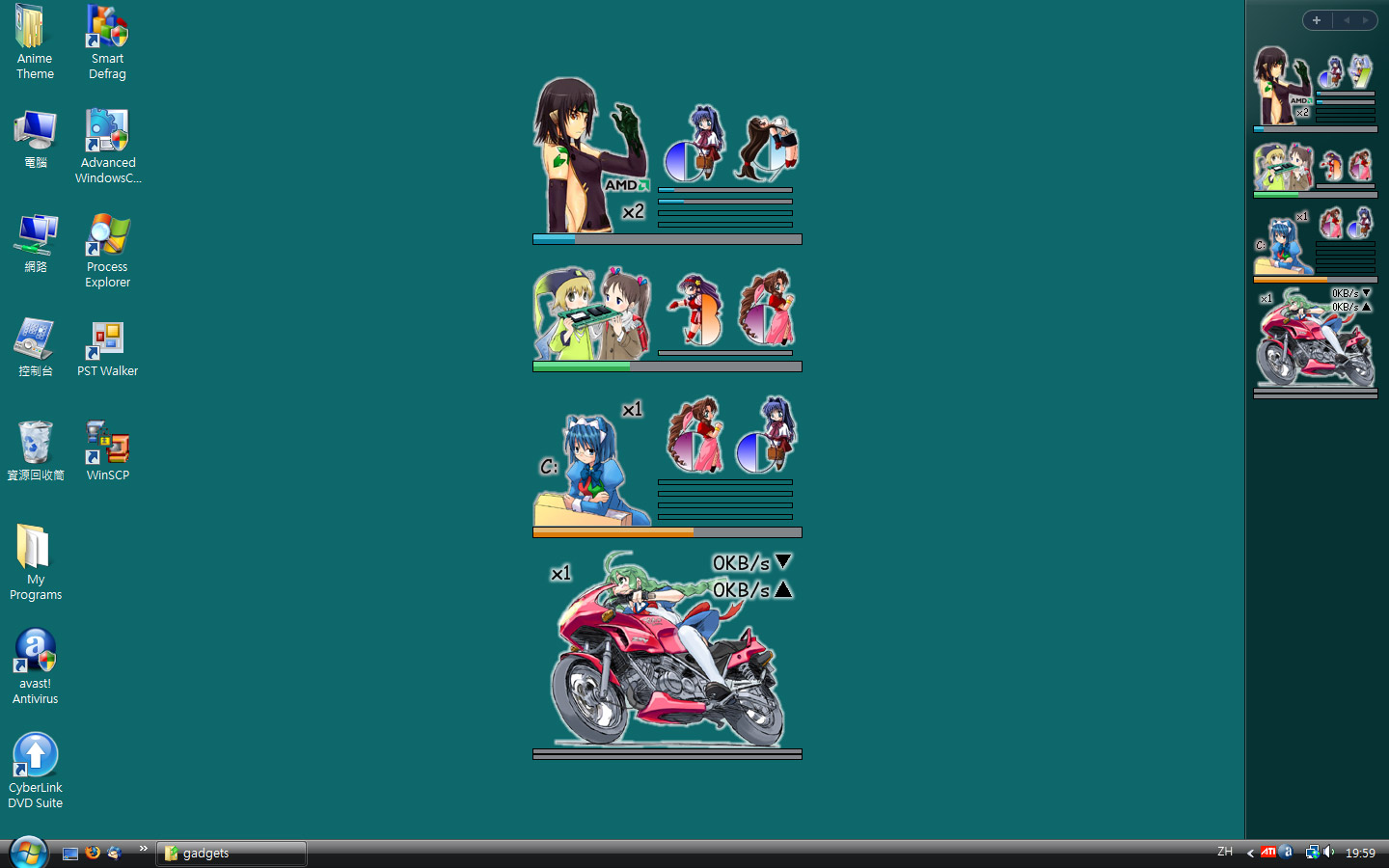
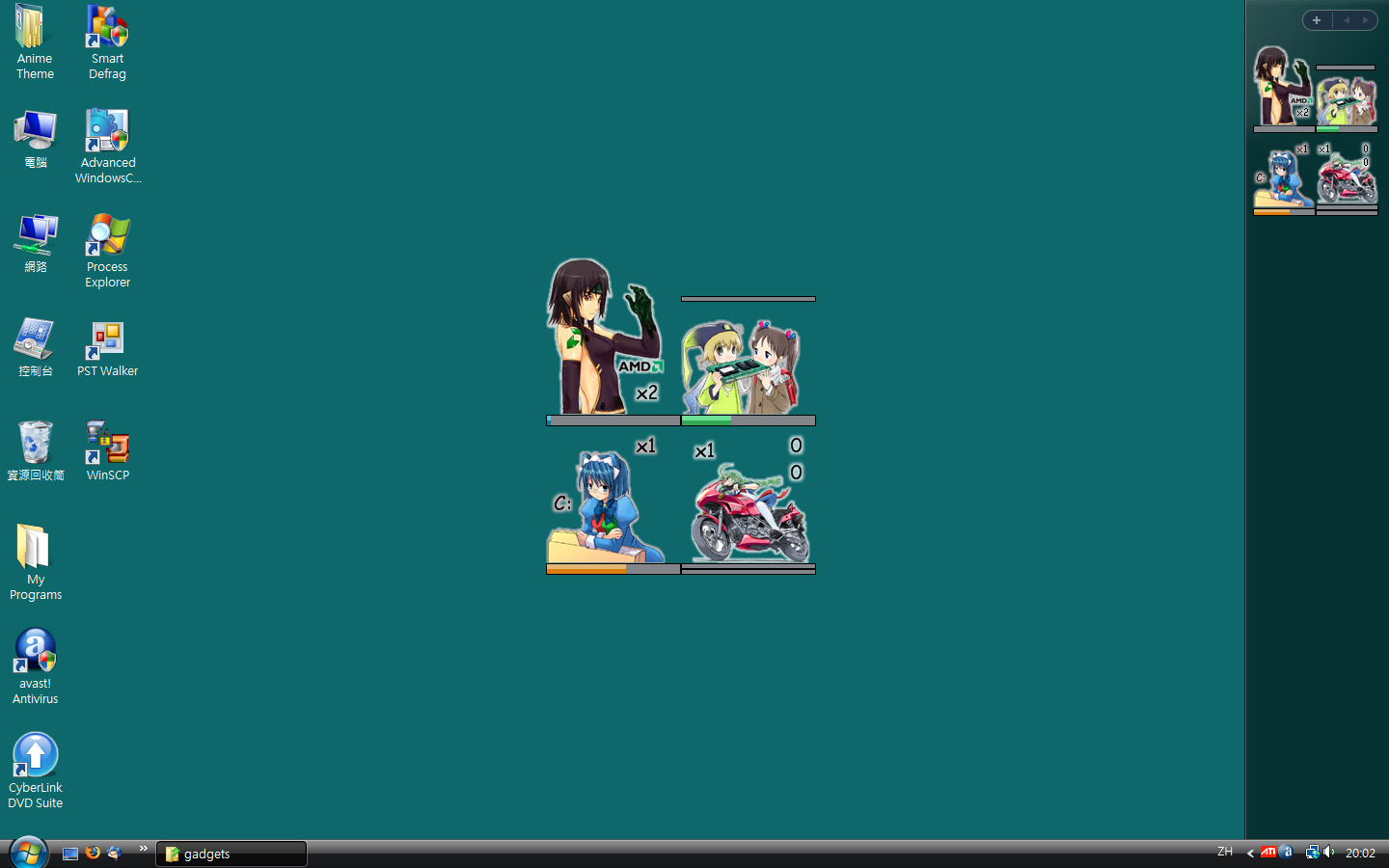
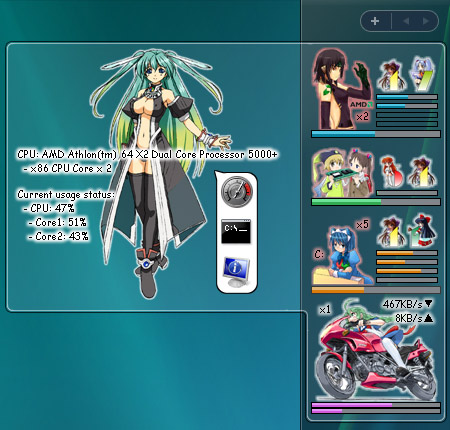
Finding a PC meter/monitoring tool that actually "looks different"? This may be what you are looking for! "Anime PC Meter" is a fully functional CPU/RAM/Drive/Network meter,
with a cute and interesting Anime-style appearance and animated effects. So, when you see the CPU lady glowing in red, you know the CPU is busy :P
FEATURES:
CPU/RAM/Drive/Network meter presented in a cute, Anime-like style!
Multi-core CPU supported
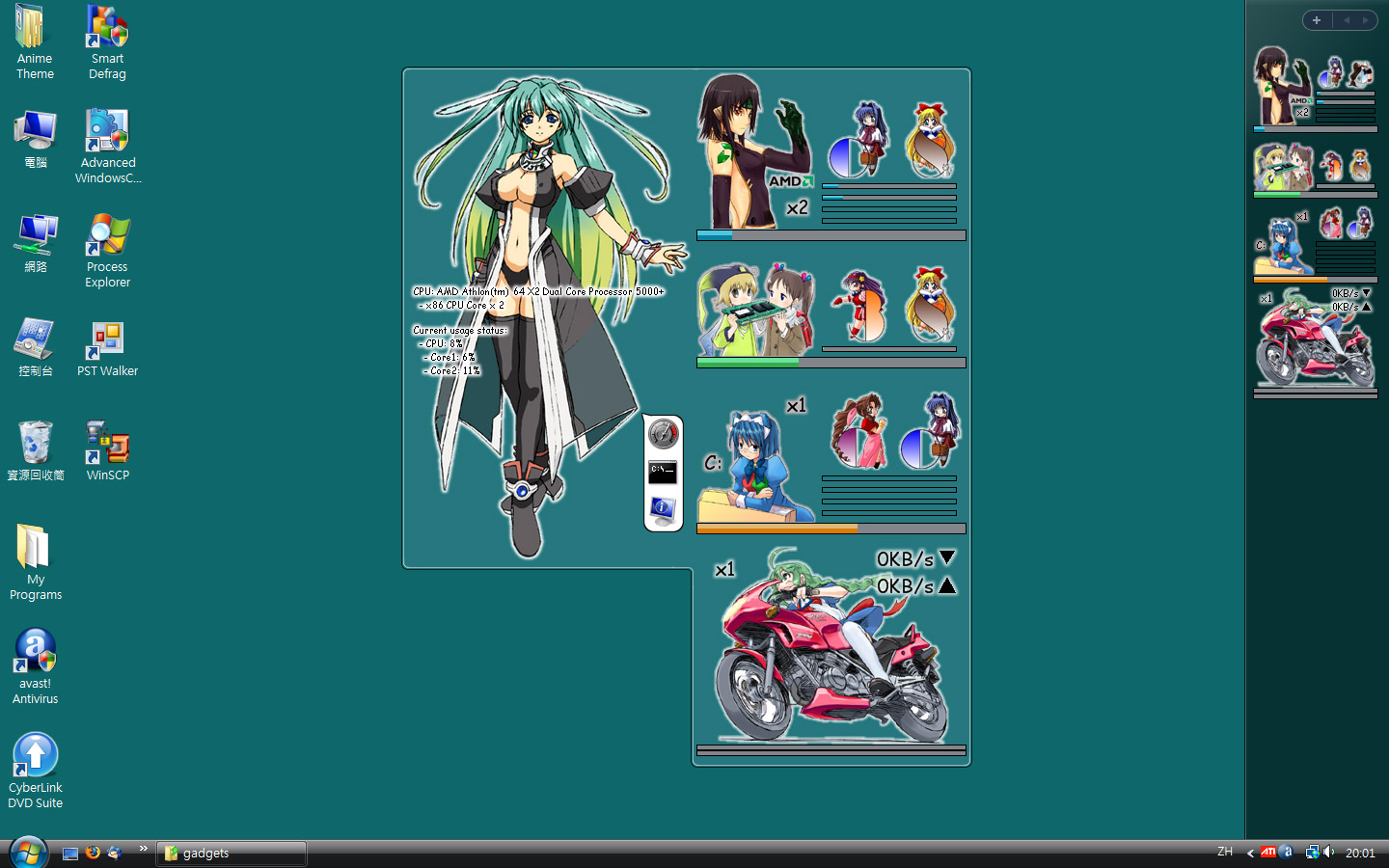
Advanced monitoring details, such as virtual memory/network usage and disk activity (as flashing of bars), through the use of WMI
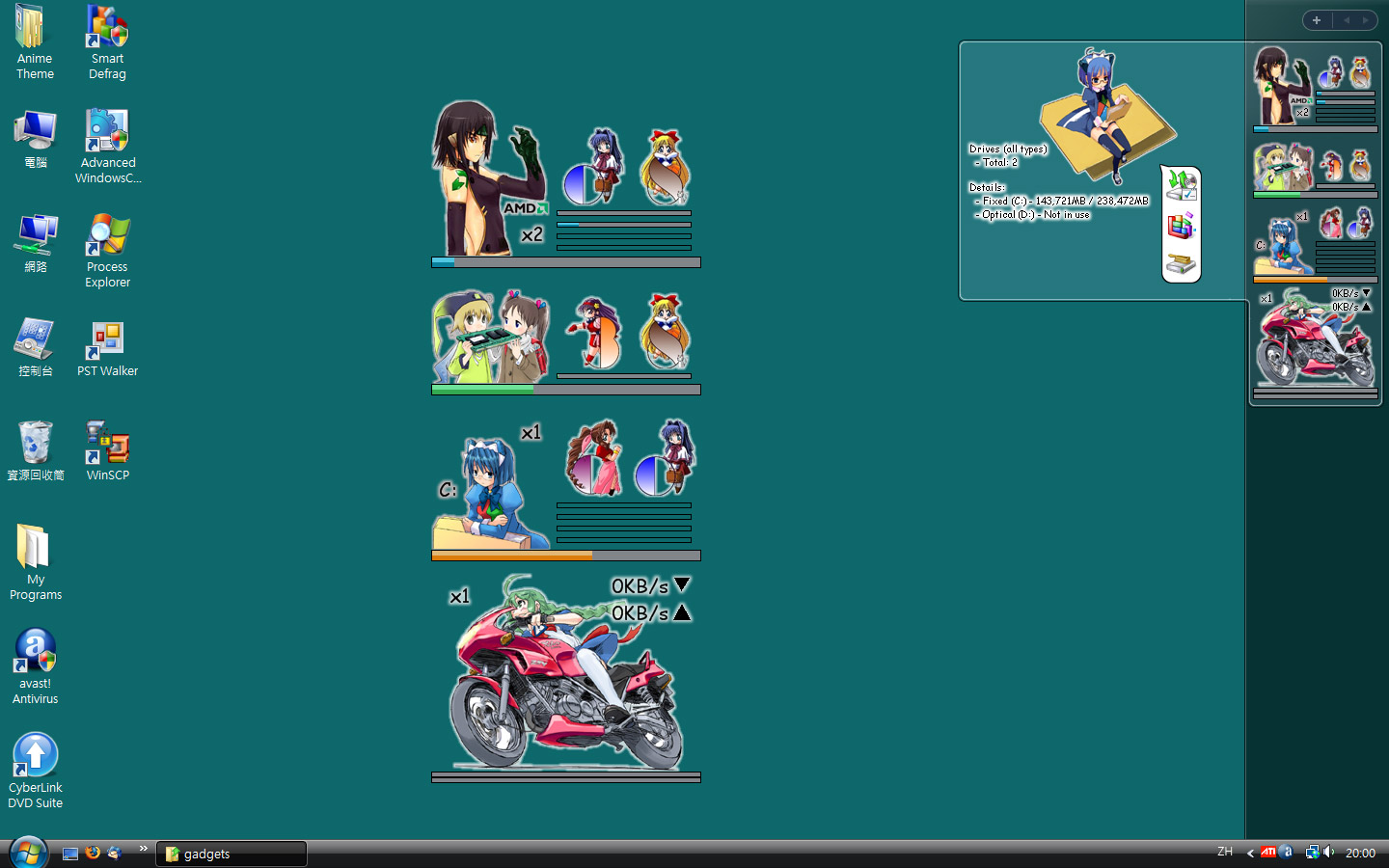
Interactable interface with extra info and actions available when you place your mouse pointer over or click on various parts of the gadget
NOTE: This gadget only works on Windows 7/Vista. You are recommended to use System Animator instead.
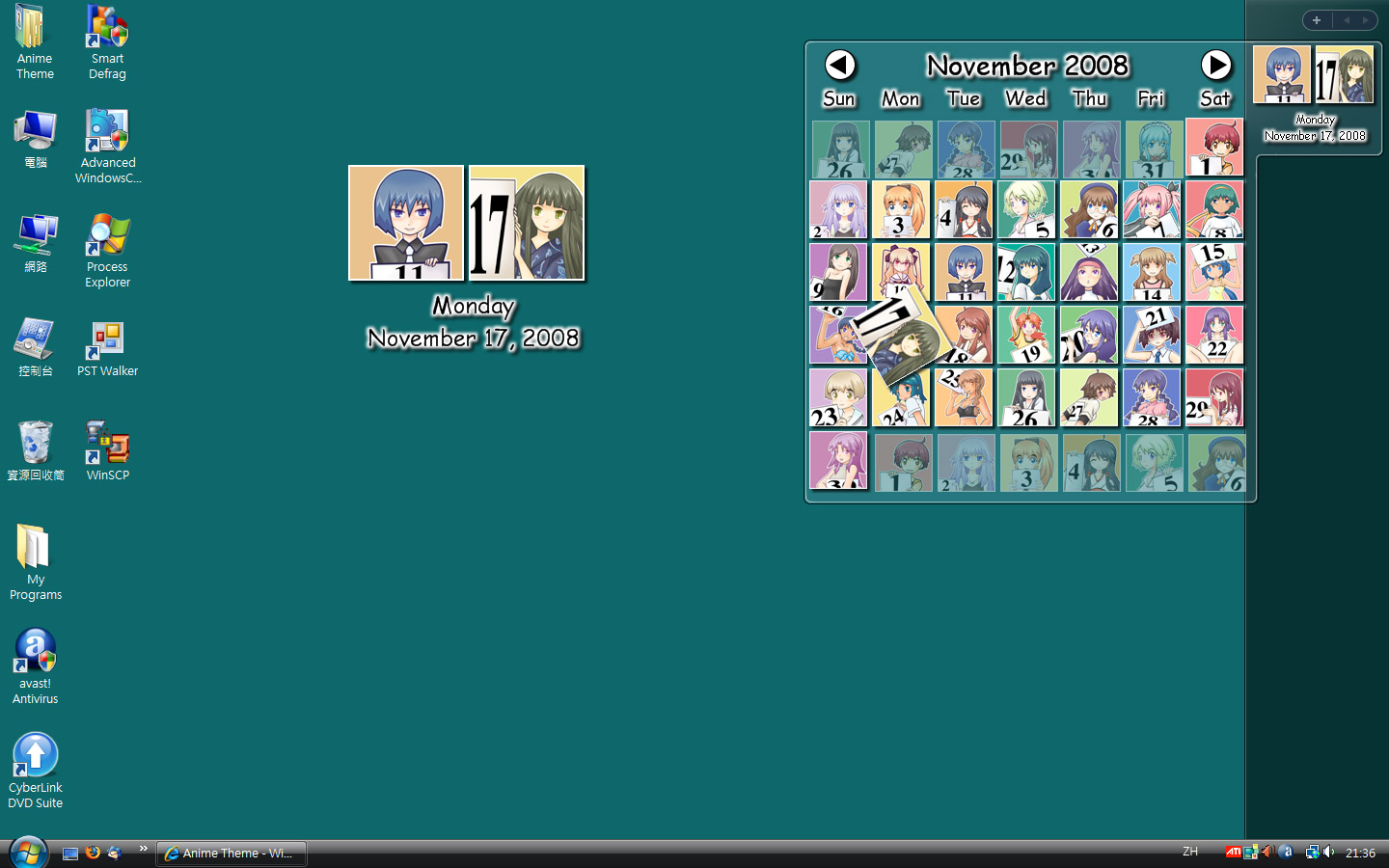
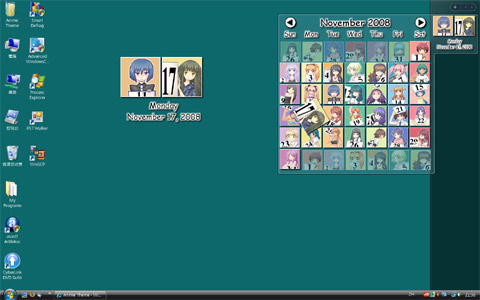
This is a cute, Anime-style calendar with all months and dates represented by different Anime gals! You can double-click on it to view the
full calendar.
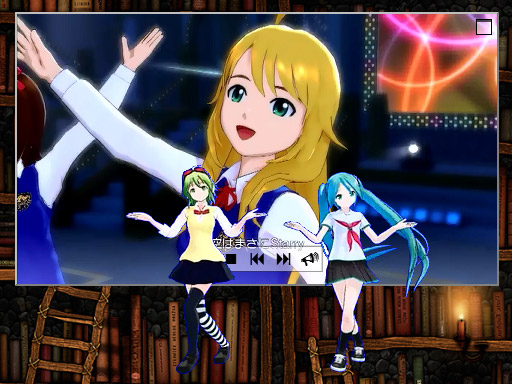
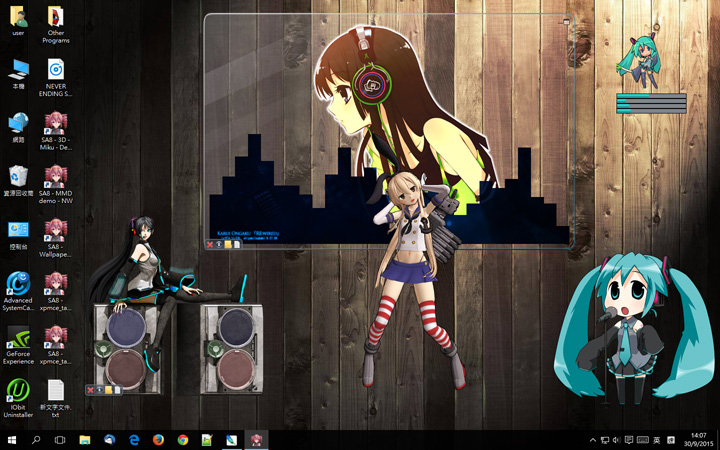
"System Animator" is a system monitor with CUSTOMIZABLE animation!
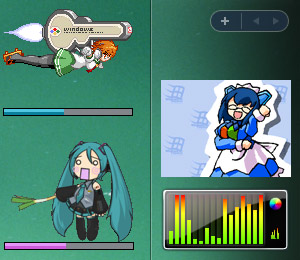
How about a cute Anime gal who dances according to the CPU usage?
Hatsune Miku waving her leek while playing a MP3?
The famous Matrix digital rain effect with scroll speed corresponding to your network traffic?
It's up to your imagination!
FEATURES:
PC activity monitor with focus on visuals, animations, and FUN!
Supporting the monitoring of "Sound output" to become a customizable music visualizer!
Supporting various 2D/3D/MMD animation styles with full customization! Several default animations are included, and hundreds more for download!
⭐NEW⭐:Linux support
(video demo),
ANIMATED wallpaper mode and "Wallpaper Engine" support
(video demo)
Confused? Check out our Video Demo section and watch this gadget in ACTION!
XR Animator is an all-in-one package incluidng both System Animator and Electron. It inherits from System Animator project, with more focus on motion capture, mixed reality and other new functionality.
Check out these YouTube videos to know more about the new features of XR Animator.
For existing users, check out the Video Demo section for videos
demonstratng the NEW features in the recent updates.
NOTE:
Check out the FAQ section for answers to common questions.
Don't miss the EXTRAS section with TONS of animation downloads for
System Animator!
The legacy Gadget version (v7.7.0.2) (Windows 7/Vista|7.29MB) of System Animator is still available for older systems.
Q:How can I make System Animator respond to musics?
A: For System Animator 8+, simply enable the "Use audio FFT" option on the "Advanced=>HTML5=>General" tab of the settings panel,
which works when you drop a music file to the gadget directly.
To monitor any sound on your computer, you need to enable the "Live input" option, and set your Windows's audio recording device to "Stereo Mixer". Click "?"
besides the "Live input" option for further details.
For the legacy gadget version of System Animator, you need to install "Spectrum Analyser" gadget in order for System Animator to monitor sound output.
Download it here.
Q:Settings are not saved, and animations are always at their default states. What should I do?
A: If your Windows user account does not have administrative access, you may need to move System Animator as well as all animation folders
to somewhere under the user folder of your Windows account, so that System Animator has the right to update the settings.
Q:I am confused with the new Chromium/XUL/HTA mode.
A: System Animator 8+ runs in Chromium mode by default. If you install and use System Animator in the usual way, you may simply ignore
the other modes (XUL/HTA). However, if for any reason you want or need to run System Animator in XUL or HTA mode,
check out this video tutorial.
Here is a collection of animations of various styles for use with System Animator.
To use these animations, simply unzip the downloaded file and drop the animation folder to the gadget.
If you still don't understand, check out this video tutorial.
Some of the files in the section are in RAR format. Download this program
if you can't uncompress them. Also note that you need to download ALL parts of the same RAR archive before you can uncompress them.
Don't miss the Animated Picture section, with MORE animations of a very different
style!
(*) denotes the support of video playback (MP4/WebM) directly inside the animation. Just drag and drop a video file to the animation,
and it will play with mixed visuals. Either Silverlight or "HTML5 Canvas" (HTA/XUL/Chromium) option of System Animator needs to be enabled.
Check out this video for demonstration.
Since System Animator 5, this feature has been extended to allow the display of random pictures inside the animation from any folder you selected.
This makes it possible to use any Animated Picture (supporting video playback feature) as a desktop image viewer/slideshow.
Check out this video for demonstration.
(**) denotes the support of customized Fireworks effect, an option available in HTA/XUL/Chromium mode.
Check out this video for an example of customized Fireworks effects (colorful hearts).
(***) denotes the inclusion of video overlay effect. Extra visual effect can be added to any Animated Picture running in HTA/XUL/Chromium mode,
by overlaying a video (MP4/WebM) over the animation. Check out this video for demonstration.
【EQ】 denotes a special variation of "Animated Picture" animation. These animations are usually composed of no more than two static images, or even just one!
They are intended to be simple and and easy to make, easy enough for an average person to create their own animation in just a few minutes!
Check out this video for demonstration.
All animations are resizable. The display size can be changed manually by double-clicking on the animation (resizable down to 1/4 of the normal size), or use the
buttons on the top right and bottom right.
System Animator supports the use of user-made "Face Pattern" skins for MacFace and VistaFace. You can download them
here.
Uncompress any skin you downloaded, and make sure the name of the final folder ends with ".mcface". Then you can go the Settings panel of the gadget and
point to that folder.
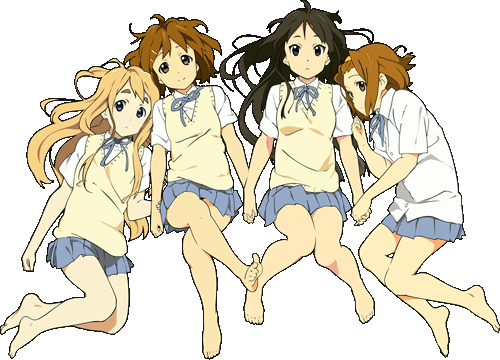
"Renders" are normal PNG images that are carefully cut-out/masked. System Animator allows you to decorate your desktop easily with renders,
even with some ANIMATED effects supported (video demo)!
Check out our Renders Gallery, and start decorating your desktop in the simplest way!
"SEQ Video" is a special type of animations supported by System Animator,
which is basically a MP4 video file.
It is similar to those smaller frame-based animations,
with the playback speed responding to the PC activity monitored, except that "SEQ Video" has virtually NO limit in size and length.
It supports chroma key (ie. transparent background), as well as assigning a BPM (beats per minute) value to the video so that it can be used as a fancy
music player with BEAT-MATCHING visuals (video demo)!
Below are some "SEQ Video" animations for download.
To make your own SEQ Video, click here for a video tutorial (****).
NEW: The latest System Animator 6 makes the beat-matching feature of SEQ Video fully AUTOMATIC!
Check out this video for more info.
Downloads
Love Live! (HD 720p / beat-sync(***) / video demo)
(*) - HTA/Chromium mode supports "SEQ Video" animations by default. XUL mode requires Firefox/XULRunner 22 or above.
(**) denotes a special "self-running" animation set with System Animator (and sometimes Spectrum Analyser as well) bundled, which can be directly
executed without installing System Animator separately. To open such animation with your own installation of System Animator, simply open the target animation folder
with your own instance of System Animator.
(***) denotes the support of automatic beat-matching feature in System Animator 6. Check out this video for more info.
System Animator supports 3D animations of various kind.
Existing 2D animations can be easily configured to render in 3D space to become a 3D animation
(video demo). 3D models and motions from the popular
MikuMikuDance (MMD) software are also supported
(video demo).
The new System Animator Online mode even supports Argumented Reality (AR)
(video demo).
Imagine that you can have Miku dancing on your desktop, date her on the street, or even something
as crazy as this XD
NOTE: For System Animator 8+, "Spectrum Analyser" is no longer required. Simply enable the "Use audio FFT" option on the "Advanced=>HTML5=>General" tab of
the settings panel to enable sound detection.
System Animator supports the monitoring of sound output of your computer. Imagine a cute Anime gal dancing to the beats
when you play a MP3 song... pretty cool, right? ^_^
In order to let System Animator monitor sound output, you must install the "Spectrum Analyser" gadget (by
Jon Abbott). The version of Spectrum Analyser required by System
Animator is a modified version, which can be downloaded below. After installing this gadget, you can then choose to monitor sound output in the
settings panel of System Animator.
To achieve the best results, you may want to adjust the "Update interval" of System Animator to 0.1 second. You can also try changing
the "Monitor sensitivity" setting on System Animator and the "Gain" setting on Spectrum Analyser to fine tune the effects.
For existing users, to know the version and revision number of the "Spectrum Analyser" gadget you are using, open the Gadgets window,
choose "Spectrum Analyser" and click "Show details" at the bottom.
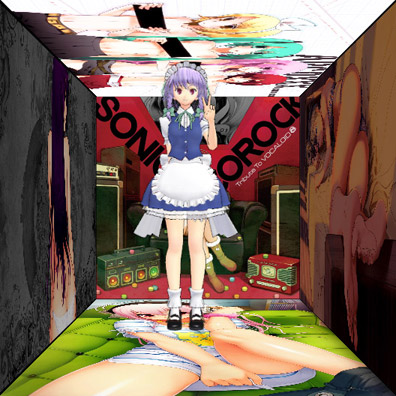
The latest version includes a special Anime-themed skin (credits go to sun)
with many Anime pictures as background (you can use your own pictures) and various customizable bars and options.
These YouTube videos show System Animator in ACTION! They demonstrate System Animator as a multi-purpose PC activity monitor, as well as a
music visualizer, with interesting and fully CUSTOMIZABLE animation!
For existing users, you may want to check out the following videos to know more about what's NEW in recent updates
(also check out our Facebook page as well).
Can't find what you want in the EXTRAS section? Why not make your own
animation? Check out the following video tutorials to know how to make different kinds of animations for System Animator.
You are also recommended to take a look at those animations I made as examples.
System Animator also allows you to simply drop an image or video file and use it directly as desktop animation! Yeah, it is
just that SIMPLE! Check out the following video tutorials for details.
Still can't find what you want? Looking for something complicated for your personal use? We accept commissioned requests for customizations.
Visit our Facebook page, send us a PM and we can talk.
Not fancy enough? Chromium mode even allows you to run System Animator as your ANIMATED desktop wallpaper! Check out the video above!
In older version of System Animator, XUL and HTA modes are also available as an alternative to Chromium mode. XUL mode is Firefox-based while HTA mode is IE-based. Both modes are obsolete now.
To run System Animator in XUL mode, you need to have either Firefox (version 4 or above) or
XULRunner (version 2 or above) installed.
To run System Animator in HTA mode, you need to have Internet Explorer 9 installed.
Check out this video for info on how you can run System Animator in HTA/XUL mode.
NOTE: System Animator 8+ runs in Chromium mode by default, which is recommended.
System Animator was born more than 10 years ago, and is still growing strong. While System Animator is free, lots of time, efforts and money have been spent
to keep this project running. If you like our works, please consider making a donation. Your financial support is needed to keep us going!🙏
Donate via Bitcoin 1KkHVxgn4tusMhXNt1qFqSpiCiDRcqUh8p
System Animator is freeware, but commissioned requests for customizations are also welcomed. Visit our
Facebook page, send us a PM and we can talk.
Lastly, if you have a
Facebook,
Twitter,
or other social network account, remember to promote this page and let more people know about System Animator!
Using Ubuntu, Fedora, CentOS or any of those Linux desktop out there? Are you frustrated to see all those cool desktop gadgets like Rainmeter, Wallpaper Engine and even the old System Animator itself which are
Windows only? The wait is finally over! The new System Animator is for you! Curious to know how System Animator looks on Linux?
Check out this video!
System Animator's Linux support is now under beta testing. I don't have a dedicated Linux machine myself, and can only test it on a VM (Virtual Machine) environment (Ubuntu running under VMware to be exact), which is
inadequate considering that there are so many Linux distros out there. If you want to try System Animator on your Linux desktop, please follow the procedures below. The process will be more complicated than doing so on
Windows, but since you are a Linux user, I expect that you should have some certain degree of computer knowledge, and thus this should still be easy enough for you.
First of all, download the latest version of System Animator (the exact same file as the Windows version).
Download "Electron", the software platform where System Animator actually runs. Since Linux can run on various CPU architectures, choose the version that fits your Linux machine.
Put the compressed files of both System Animator and Electron under the SAME folder of your choice, and uncompress them there, exactly like the procedures for Windows version
(video demo).
The procedures so far are very similar to those for Windows version. Before you run "electron" and start System Animator for the first time, you need to do one more step. Download the following ZIP file, extract the
content inside (2 files), and put them under the "resources" folder of Electron.
We are proud to introduce "XR Animator", the next-generation System Animator with all existing features inherited while providing new functionality to suit the metaverse era.
It supports full-body motion tracking using just a single webcam, right on your web browser. It uses the machine learning (ML) solution from MediaPipe and TensorFlow.js to detect the 3D poses from a live webcam video,
which is then used to drive the 3D avatar (MMD/VRM model) as if you are controlling it with your body. It can be used for whatever XR purpose, and even for VTubing.
Even though XR Animator is still under development, some online demos are already available for preview and testing purposes!
Check out our GitHub page and follow the latest development of XR Animator!
Remember to subscribe our YouTube channel for future video updates!
Bug reports? Suggestions? Let me know on my Twitter.
Like our Facebook page for updates on our gadgets! Leave a comment before leaving! ^o^



 Make Your Animation
 Using your image and video files directly




 MacFace's "Face Pattern" Support